Smart CPM: Setting Smart CPM for a campaign
Smart CPM is an auto-optimization feature. Once enabled, the OnClickA’s algorithm participates in the auction and buys traffic at the optimal price in real-time. You can also set your maximum price—the upper limit you are willing to pay per 1000 impressions.
Creating campaign
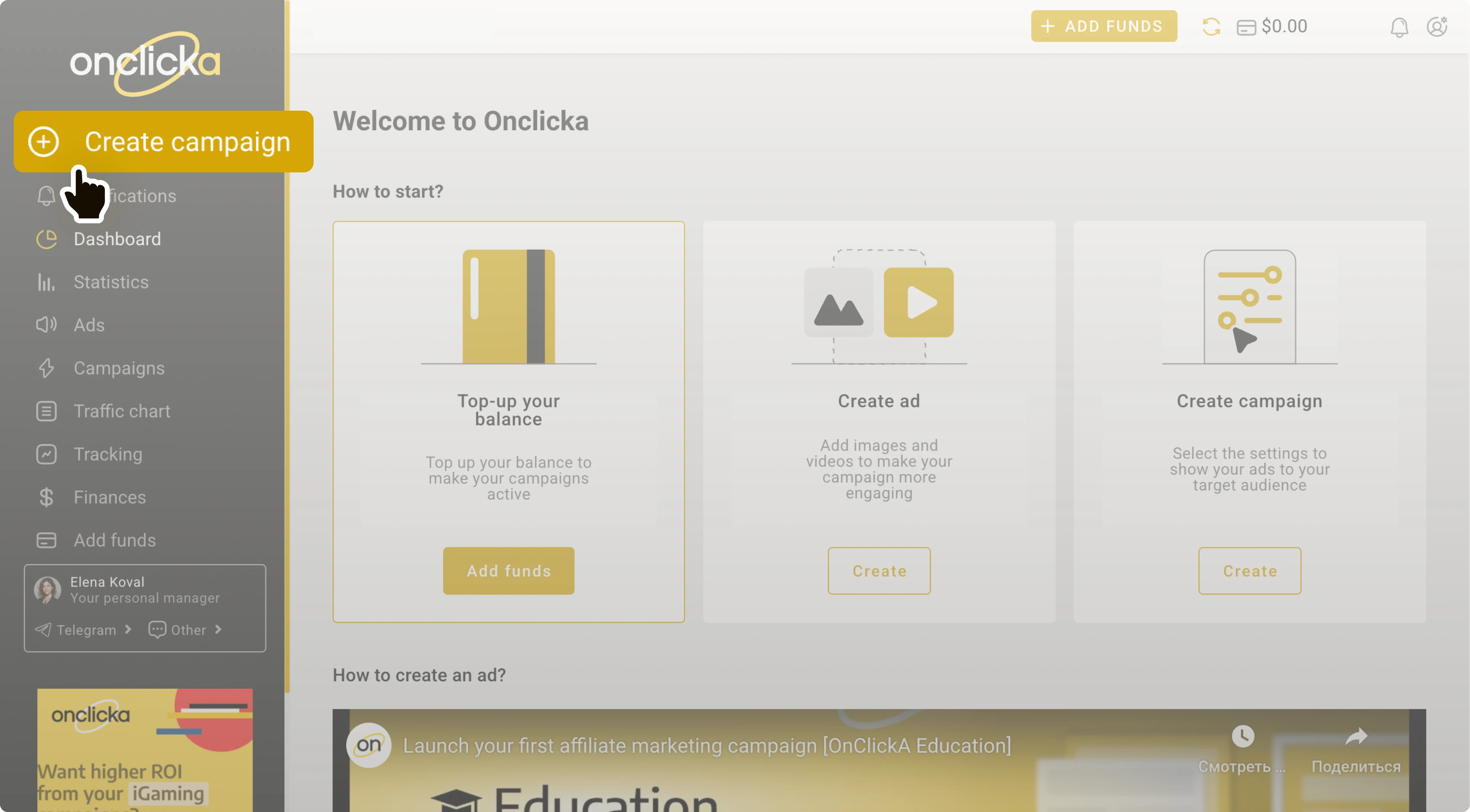
Navigate to the OnClickA’s dashboard → Click Create campaign.
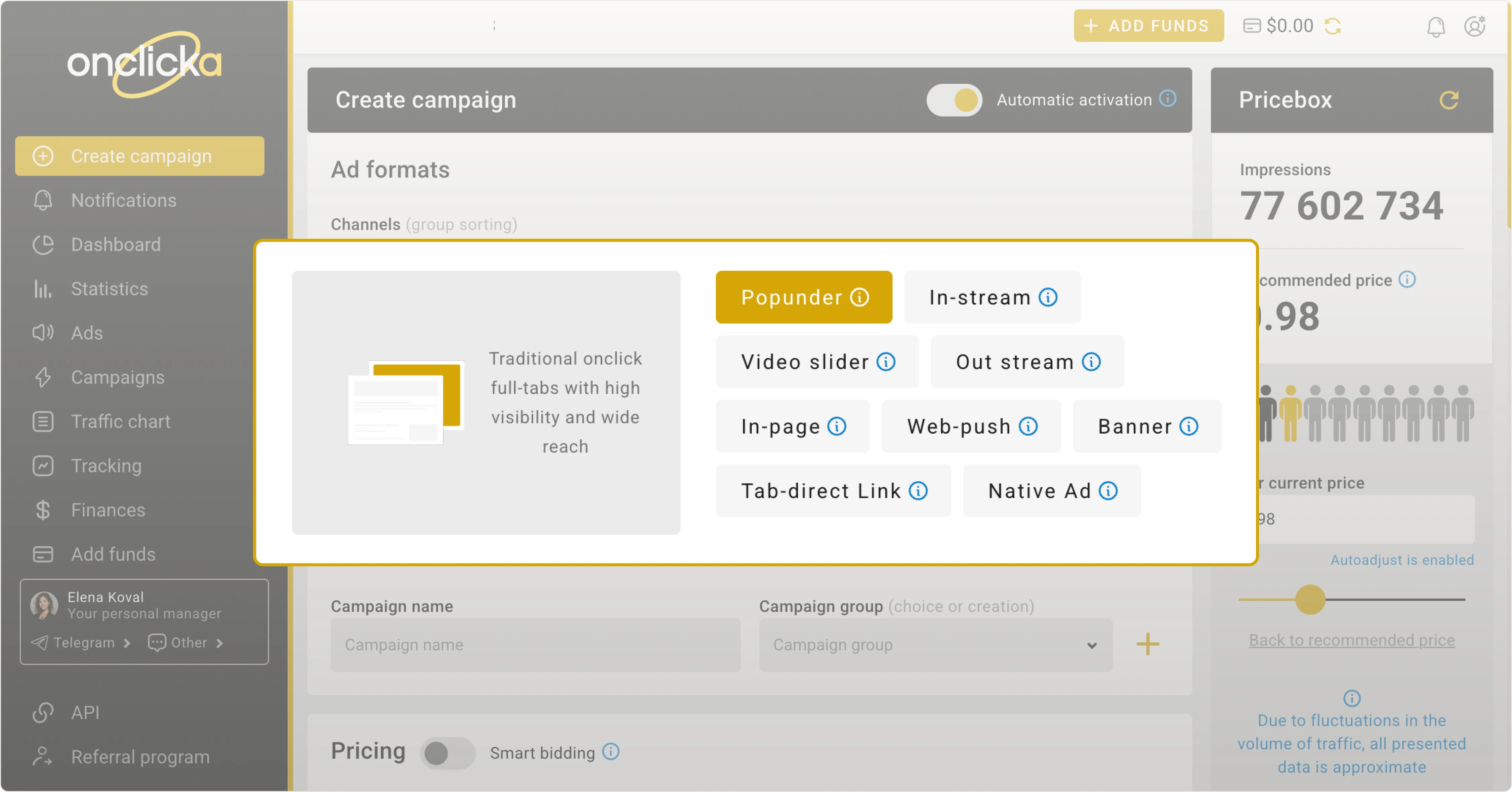
Ad formats
Smart CPM is currently designed for the Popunder ad format. More ad formats are coming soon.
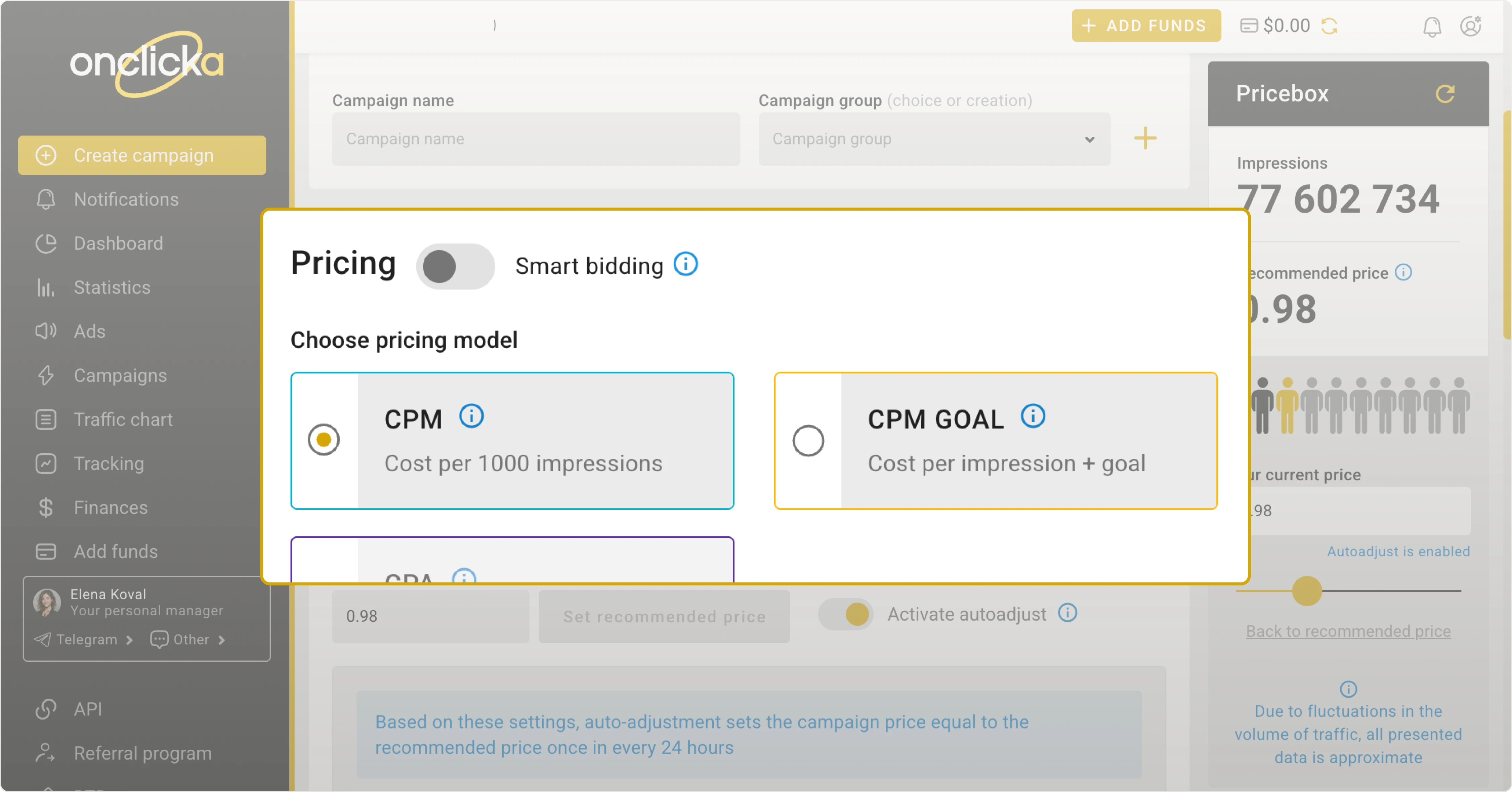
Locating the Pricing settings
Scroll down to the Pricing section:
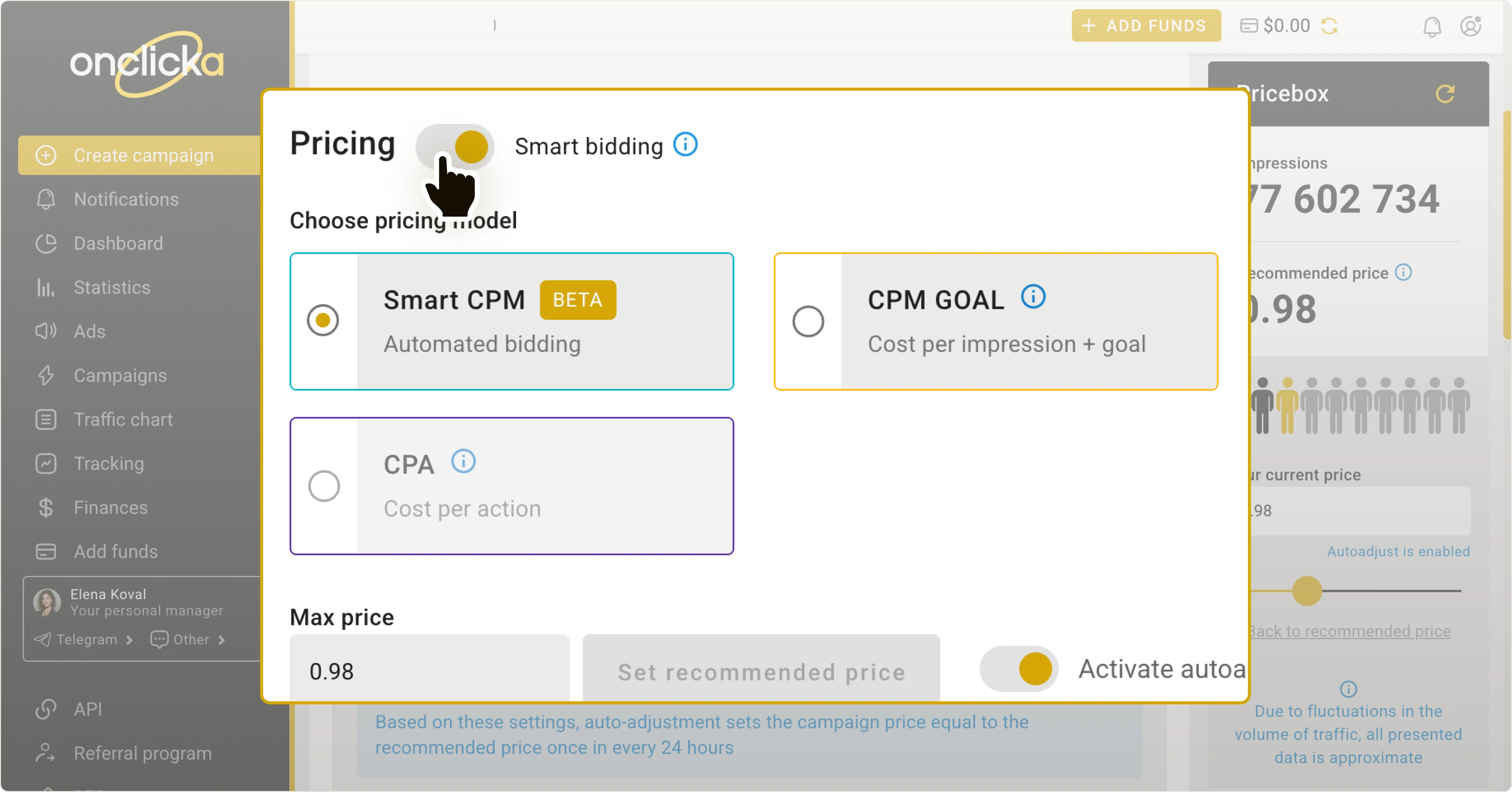
Turning Smart bidding on
Turn the Smarting bidding switch. This changes the CPM model to Smart CPM and sets the price value to the maximum.
Why set price higher than the recommended
Max price. You can set the max price higher than the recommended one. Since this is the price ceiling, you’ll get traffic without exceeding your budget limit.
Smart bidding with Max price automatically adapts to auction dynamics. It can help your campaign get traffic when prices exceed the recommended rate. It optimizes the budget when prices decrease.
Setting the maximum price
Enter your maximum price in the Max price field:
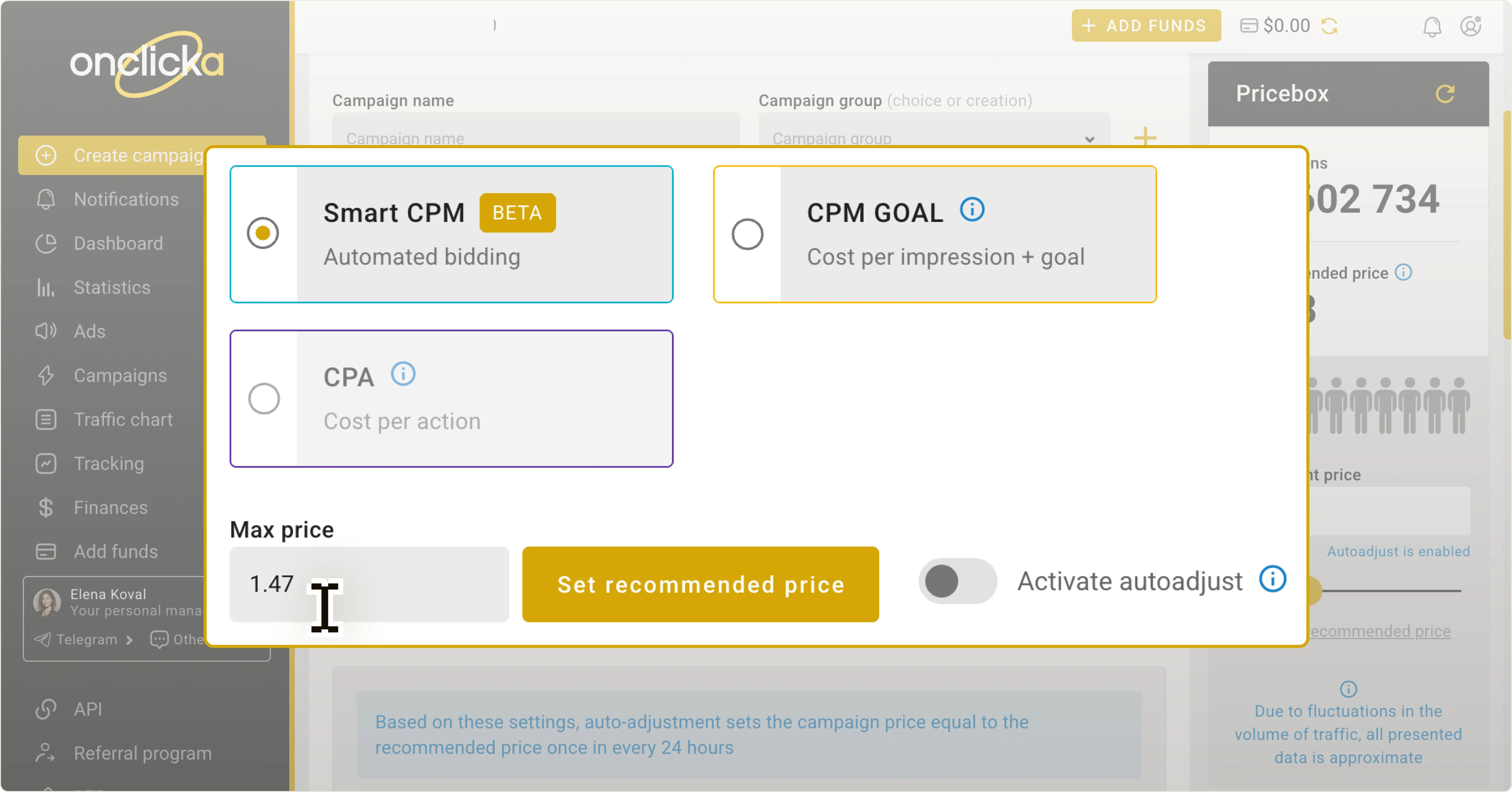
It will be saved automatically—no need to click any button.
Launching campaign
After setting targets, limits, or other campaign parameters, click Create campaign at the bottom of the page. Your campaign will then be submitted for approval.
Need more guidance on campaign settings? Explore these articles on the campaign creation process:
